
Client Access
What to expect week by week while the AI learns, and 5 habits for a great start.
Autopilot learns from your account's data before it reaches full speed. Here is what to expect, and how to get the best out of it.
In the first days, your dashboard may show this message. It is completely normal while the AI gets started:
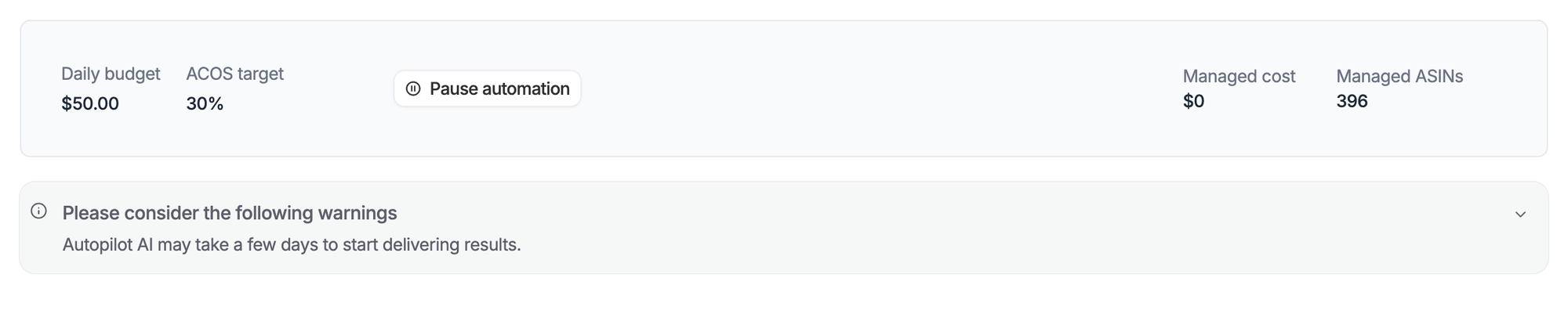
Autopilot works best with at least 50 orders per month across your catalog (100 or more is ideal). With less data, it still runs but bids more cautiously. New products with no sales history may get few impressions at first.
Once your account is stable (usually after 4 to 6 weeks), a 7-day minimum between adjustments is fine. When in doubt, keep 2 weeks.
If your own campaigns are still running, each metric is split between Autopilot and Non-autopilot, so you can see what Autopilot brings:

The product table below the chart shows ACOS, ad sales and cost for each product. The switch on the right shows whether Autopilot manages the product.

The table only lists products that already have advertising stats: a product you just added appears once it gets impressions. The Managed ASINs count is the reference for what Autopilot manages.
Keyword and search-term reports are not available in Autopilot: results are shown for the whole account and by product.
Chat with our AI assistant at the bottom right of the Autopilot app, or email us at autopilot.support@m19.com.
m19 offers easy-to-use software and a dedicated service for you to manage your Amazon ads.
Grow your profit, save massive time, we are committed to helping you win on Amazon ads.
Stay up to date and accelerate your business with tips and the latest Amazon news.